Remove a non-responding cluster from Prism Central
Disclaimer: This is done in a lab-environment, if you need to do this in a production environment, check with Nutanix Support how to clean up a non-responding cluster from Prism Central.
In a lab environment, you sometimes need to clean-up in a more forceable manner. After messing up a cluster, for instance, I needed to remove it from Prism Central, before I could redeploy and readd it.
So, first, I powered down and removed the VMs, and after that, I performed the following on the Prism Central VM (logged in as the nutanix user) :
First, determine which cluster we need to remove:
ncli multicluster get-cluster-state
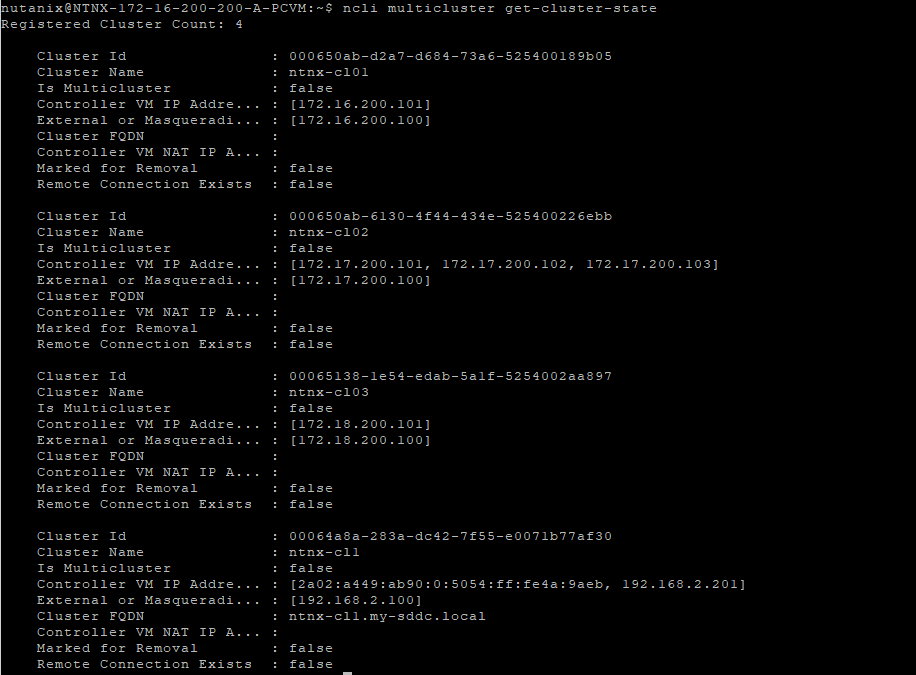
The, for each of the clusters I want to remove, I perform the following command:
ncli multicluster remove-prism-element cluster-id={ID as taken from previous command} local_only=true

This will also lead to corresponding PC tasks:

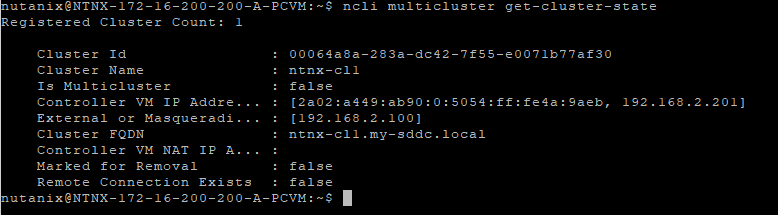
and when completed (and I deleted all three nested clusters here), this command will show the result:
And an empty cluster-list in PC:
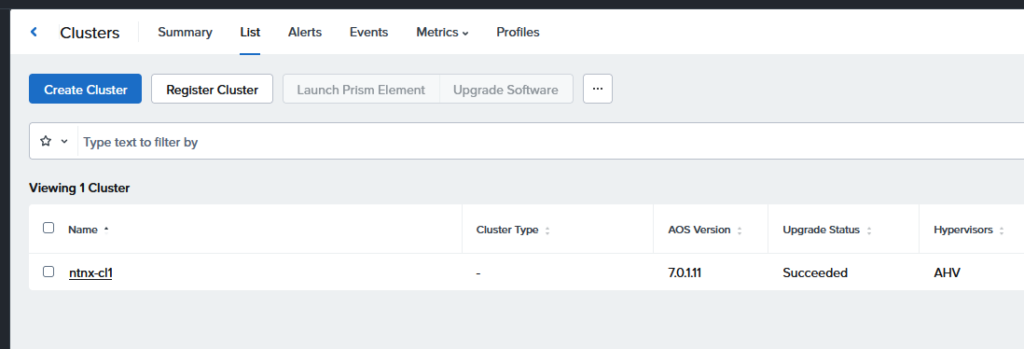
Ready for a fresh start.


